DonosoRon Studio
A downloadable Tool
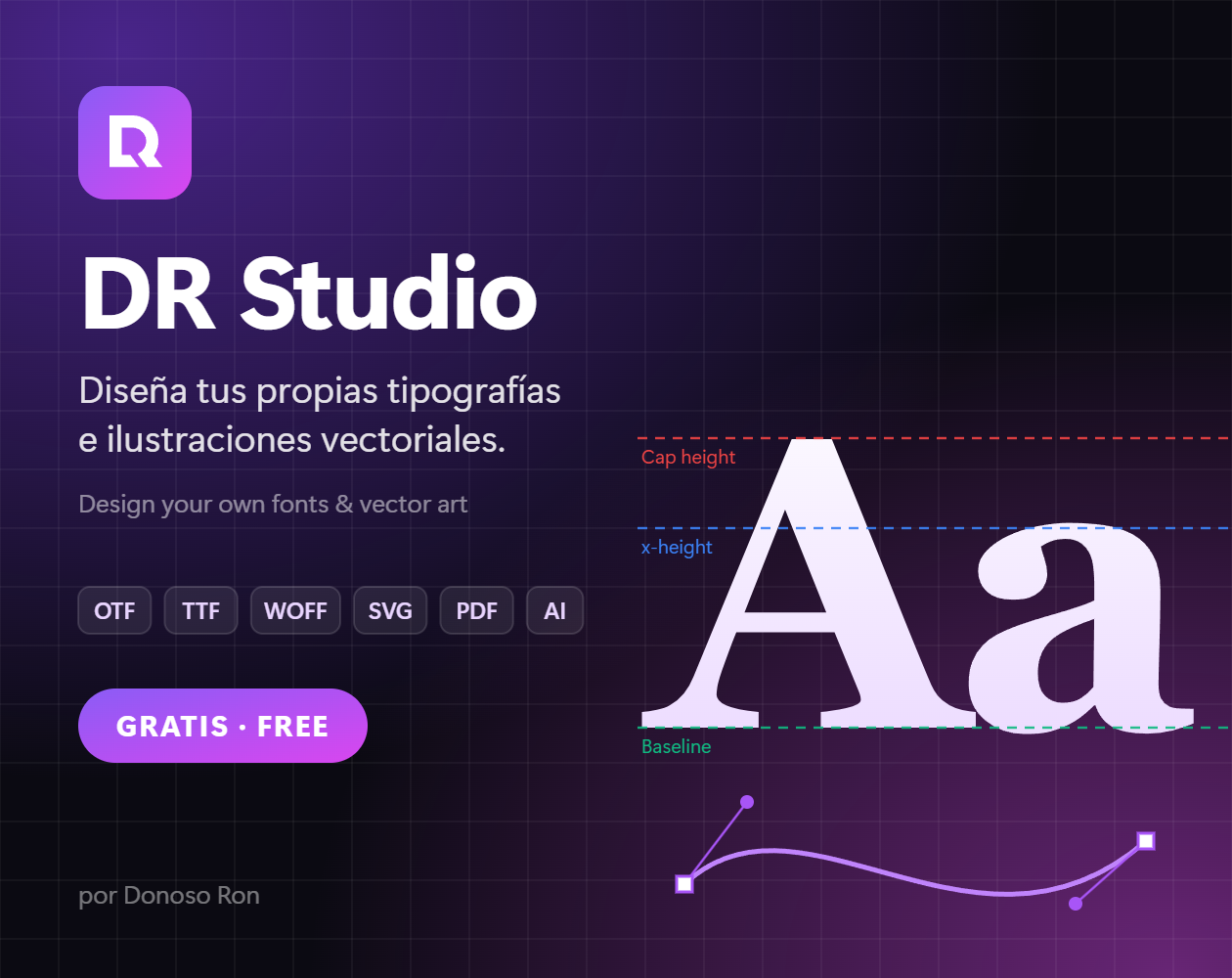
Diseña tus propias tipografías e ilustraciones vectoriales. Gratis.
Design your own fonts and vector illustrations. Free.
Download
Install instructions
DR Studio es un programa gratuito para diseñar tus propias tipografías y crear ilustraciones vectoriales. Dibuja cada letra, ajusta los espacios y exporta una fuente real que puedes instalar en tu computadora y usar en cualquier programa.
✏️ QUÉ PUEDES HACER
• Diseñar tipografías letra por letra: mayúsculas, minúsculas, números, signos y letras con tilde (á, é, ñ, ü, ç…).
• Ajustar métricas y kerning (el espacio entre pares de letras como AV o To).
• Dibujar con herramientas vectoriales: pluma, lápiz, pincel, formas, degradados y operaciones de combinar o recortar formas.
• Usar el modo Ilustración para crear arte vectorial en una mesa de trabajo.
• Importar SVG.
📦 EXPORTA EN
• Fuentes: OTF, TTF, WOFF y WOFF2.
• Gráficos: SVG, PDF, AI (se abre en Adobe Illustrator), EPS, PNG, JPG y WebP.
💾 TU TRABAJO ES TUYO
• Funciona sin internet y sin crear cuenta.
• Los proyectos se guardan automáticamente en tu PC.
• Puedes descargar tus proyectos como archivo (.drstudio) para tener una copia de seguridad.
• Disponible en español e inglés.
🖥️ INSTALACIÓN (Windows 10 / 11)
1. Descarga DR-Studio-Setup.exe.
2. Ábrelo y sigue los pasos del instalador.
3. Si Windows muestra "Windows protegió su PC", haz clic en "Más información" y luego en "Ejecutar de todas formas". Es normal en programas gratuitos de creadores independientes que no pagan una firma digital.
🌐 ¿USAS MAC O NO QUIERES INSTALAR NADA?
Usa DR Studio directamente en tu navegador:
https://donosoronstudio.netlify.app
DR Studio fue creado por Donoso Ron. ¡Sé libre de crear!
────────────────────
🇺🇸 ENGLISH
DR Studio is a free program for designing your own typefaces and creating vector illustrations. Draw each letter, adjust the spacing, and export a real font you can install on your computer and use in any app.
✏️ WHAT YOU CAN DO
• Design typefaces letter by letter: uppercase, lowercase, numbers, punctuation and accented letters (á, é, ñ, ü, ç…).
• Adjust metrics and kerning (the space between letter pairs like AV or To).
• Draw with vector tools: pen, pencil, brush, shapes, gradients, and shape-combining operations.
• Use Illustration mode to create vector artwork on an artboard.
• Import SVG files.
📦 EXPORT TO
• Fonts: OTF, TTF, WOFF and WOFF2.
• Graphics: SVG, PDF, AI (opens in Adobe Illustrator), EPS, PNG, JPG and WebP.
💾 YOUR WORK IS YOURS
• Works offline, no account needed.
• Projects save automatically on your PC.
• Download your projects as a file (.drstudio) to keep a backup.
• Available in English and Spanish.
🖥️ INSTALLATION (Windows 10 / 11)
1. Download DR-Studio-Setup.exe.
2. Open it and follow the installer steps.
3. If Windows shows "Windows protected your PC", click "More info" and then "Run anyway". This is normal for free programs by independent creators that don't pay for a digital signature.
🌐 ON MAC OR DON'T WANT TO INSTALL ANYTHING?
Use DR Studio right in your browser:
https://donosoronstudio.netlify.app
DR Studio was created by Donoso Ron. Be free to create!
Leave a comment
Log in with itch.io to leave a comment.